Australia Twitter / X
Get a temporary number from Australia for your Twitter / X verification. Your code appears on your dashboard when it arrives.
Keep Your Personal Number Private
Many services ask for a mobile number during signup. Using your personal number links the account to your identity and can expose you to unwanted messages later.
With SMSOTPS you use a temporary number for the verification step instead. Whether a service accepts a number is decided by that service - check its terms before you buy.
How Your Code Arrives
Once you enter the number in Twitter / X and the service sends the SMS, the code appears next to your order on your dashboard. Delivery time depends on the sender.
Each order is assigned its own number for the activation window. If no code arrives on a standard one-time activation, the charge returns to your balance automatically when the number expires.
No SMS Code, No Charge
For standard one-time activations: if the Twitter / X verification SMS does not arrive on your number, the full charge returns to your balance automatically when the number expires.
How to Verify Twitter / X
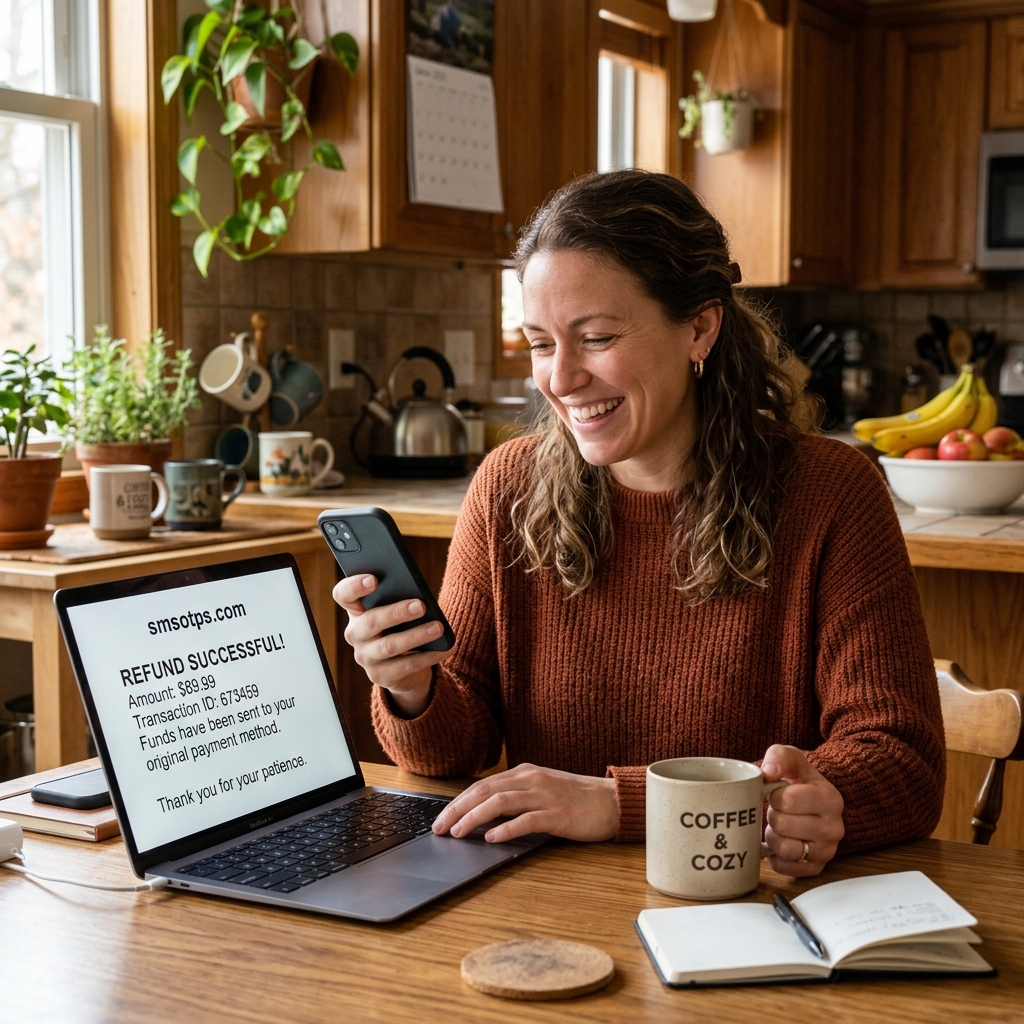
Follow these steps to activate a private Twitter / X profile without revealing your real number.
Select Platform
Log in to your SMSOTPS account, choose "Twitter / X" from our active services panel, and pick "Australia" as country.
Submit to Twitter / X
Copy the assigned virtual phone number and enter it in the Twitter / X signup screen to trigger the SMS code request.
Copy & Activate
Watch the verification code appear on your dashboard when the sender delivers it. Copy and paste to activate!
Frequently Asked Questions
Get instant answers regarding temporary phone numbers for Twitter / X in Australia.