Tarkov Verification Code Not Sending? Here is the Fix
By SMSOTPS Support Team
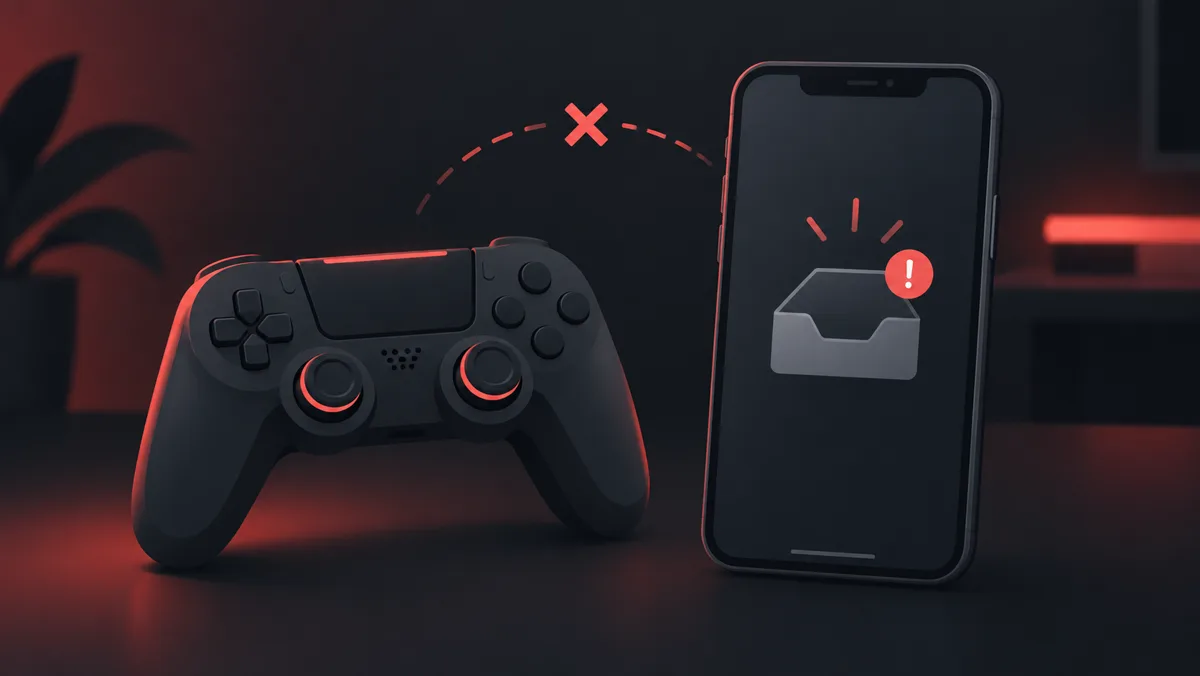
First check the delivery method shown by the game or launcher. An email authorization problem is not fixed by buying an SMS number. This checklist uses official Tarkov support guidance for missing emails and separates that from an SMSOTPS order question.
1. Check whether the code is an email
Read the login prompt and check the email account associated with the game. The official Arena support article linked below covers emails containing two-factor authorization codes and registration links. Do not assume every verification prompt is asking for an SMS code.
2. Search the mailbox and spam folder
Look for the expected message and check spam or junk. The official support article recommends marking a legitimate message as not spam. Do not trust a message merely because it mentions the game: open the official site directly if a link or sender is uncertain.
3. Allow time and check mailbox settings
The official article advises waiting 5-10 minutes, checking available mailbox storage and reviewing filters or forwarding rules. A full mailbox or a rule that moves a message is a different problem from a number-format issue. Follow any waiting period shown on the login screen rather than repeatedly requesting codes.
4. Check the official sender instructions
The support page lists sender addresses to allow in your email settings. Open that page for the current addresses rather than copying an unverified address from a third-party guide. This article does not suggest disabling account security, changing registry settings or installing unofficial launchers.
5. Use game support if the email still does not arrive
The official article directs users to support if the checks do not solve the problem. Record the exact error, delivery method and approximate request time. Keep your password and codes out of public posts. A third-party SMS provider cannot resolve the game account's email delivery or recovery.
If your question is about an SMSOTPS order
Use SMSOTPS support with the order ID. The FAQ covers order eligibility and cancellation; this page makes no promise that Tarkov accepts a particular temporary number.
Common questions
Should I buy an SMS number for a missing Tarkov email?
No. First read the prompt and confirm the delivery channel. Buying a number does not fix an email authorization problem.
What does official support recommend checking?
Its Arena email article lists spam, a short wait, sender allow-list settings, mailbox capacity, and filters or forwarding rules before contacting support.
Does this guide guarantee a fix?
No. Delivery and account access are controlled by the game and your email provider. Use the official support route if the checklist does not solve the issue.