Microsoft Account Guide: Sign-Up, OTP & Recovery
By SMSOTPS Support Team
A Microsoft account is one email address and password that signs you into Windows, Outlook.com, OneDrive, Xbox, Microsoft 365, the Microsoft Store and Skype. You create it once, add a phone number or second email as your recovery route, and that same sign-in follows you across every Microsoft service. Lose the recovery route and you lose the account.
That last sentence is the whole guide. Sign-up takes minutes. Recovery takes days, and sometimes it fails outright. Set the account up like you plan to keep it — because Microsoft treats it that way.
What a Microsoft account actually is
One login, many doors. Microsoft calls it "a personal account required for access to Microsoft's products and services," and lists Windows, Xbox, Office, Outlook.com, OneDrive, Xbox Live, Microsoft 365, Family Safety, Bing, Microsoft Store and MSN (What is a Microsoft account?).
Two confusions trip people up before they start.
First, a Microsoft account is not a Google account, even when both use the same Gmail address. You can sign up for a Microsoft account with an existing Gmail or Yahoo address. That Gmail address stays a Google address. It just becomes the username for a separate Microsoft account. Use a different password for each. Reusing one password across both hands an attacker both sets of keys at once.
Second, a personal Microsoft account is not a work or school account. Your employer or school creates and controls that one. This guide covers the personal account only — the one you create yourself, for yourself.
Your dashboard lives at account.microsoft.com. That is where you manage personal details, security settings, subscriptions, order history, payment options, devices and rewards (What is a Microsoft account?). Bookmark it now, while you still remember your password.
How to sign up for a Microsoft account
Microsoft's own instructions are short: go to account.microsoft.com, select Sign in, then choose Create one! If you want a new email address instead, choose Get a new email address, choose Next, and follow the instructions (How to create a new Microsoft account).
In practice: pick your sign-in name — an email you already own, or a new Outlook.com address — then create a password you use nowhere else, enter your name, country and date of birth, and type in the verification code Microsoft sends to the email or number you entered. Get the birth date right. It feeds into age settings, family controls and Xbox permissions, and a wrong one is awkward to fix later.
One rule catches people by surprise: an email address used for a Microsoft account cannot be reused. Even if an account was closed a long time ago, you cannot create a new account using the old email address (How to create a new Microsoft account). If sign-up rejects an address you thought was free, that is probably why.
Creating an account for a child works differently — a parent or guardian also has to sign in to finish setup (How to create a new Microsoft account). Don't try to route around that. The account gets flagged, and the fix takes longer than the proper setup ever would.
The verification code, and why it sometimes never arrives
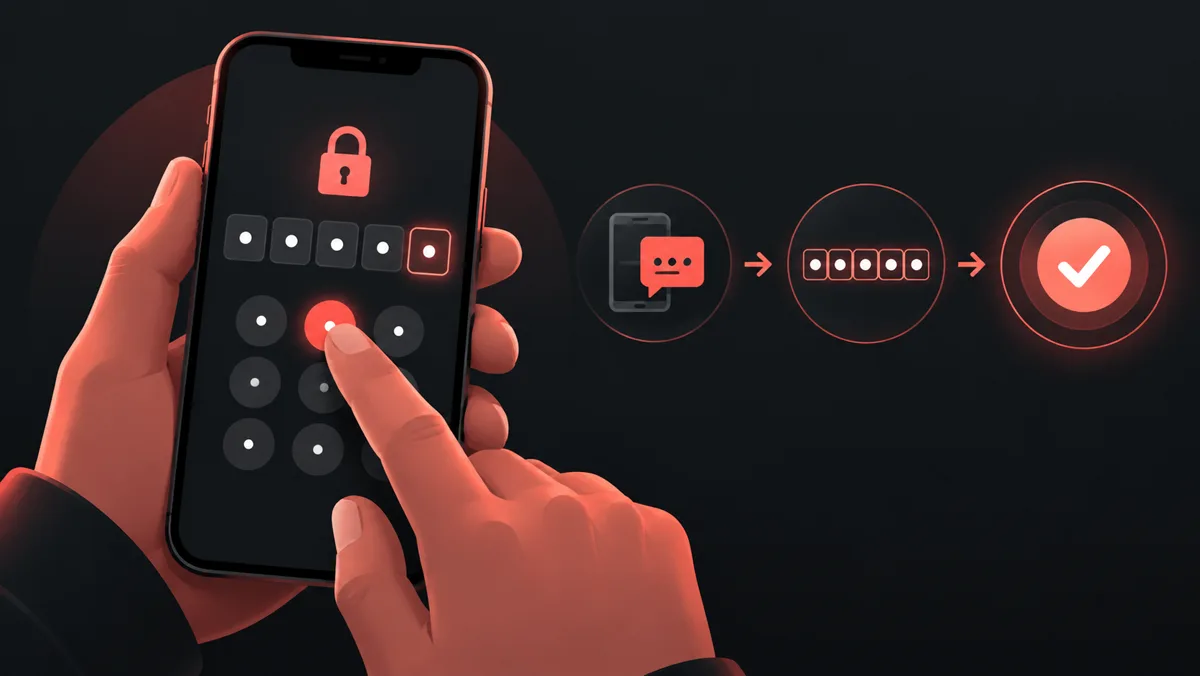
Microsoft sends a security code when you sign up, sign in from a new device, or reset a password. During a password reset, Microsoft asks you to retype the first part of the email address or the last four digits of the phone number shown on screen, then select Get code. You paste or type the code and select Next (Reset a forgotten Microsoft account password).
Microsoft only shows you the last two digits of your phone number or the first two characters of your email address while you sign in (Troubleshoot Microsoft verification code issues). That partial hint is deliberate. It also means you need to know which number or email you registered — the hint alone will not jog a memory you never formed.
Code missing? Work this list in order, and stop hammering resend. Microsoft says excessive or repeated requests to alternative emails or phone numbers cause blocks, and a block means no codes at all for a while (Troubleshoot Microsoft verification code issues).
Check the junk folder first. Real Microsoft codes come from an @accountprotection.microsoft.com address. Then check the phone: does it block texts from unknown numbers, is the inbox full, is the messaging app misbehaving? Microsoft lists all three as real causes.
Then check what kind of number you registered. VoIP numbers cannot be added as a way to sign in or get verification codes. Microsoft's wording is blunt: "Please add a mobile phone number" (Troubleshoot Microsoft verification code issues). If the number on your account is a VoIP number, the code was never going to arrive.
Try another method — email instead of SMS, or the other way round — then wait. A block tied to unusual activity sometimes clears after a day. Microsoft's guidance says wait a day, and if nothing changes after 24 hours, wait longer, up to a week, because repeated attempts reset the clock (Troubleshoot Microsoft verification code issues).
One shift worth knowing: Microsoft says it will start phasing out SMS as a method of authentication and account recovery for personal Microsoft accounts (Troubleshoot Microsoft verification code issues). SMS still works today. It will not be the recovery route forever. An authenticator app or a second email address ages better than a phone number alone.
Forgot your password? Here's the recovery path
Microsoft's reset flow has four steps (Reset a forgotten Microsoft account password): select Forgot password? on the sign-in page; choose how you want to receive a verification code; confirm the details, get the code, enter it; type your new password and select Next.
Two hard limits sit behind that flow. First, Microsoft's support agents are not allowed to send password reset links, or access and change account details (Reset a forgotten Microsoft account password). Nobody at Microsoft will reset your password over chat or phone. Anyone who offers to do it is running a scam.
Second, if you have no working verification method at all, the reset flow stops and the account recovery form takes over. That form asks for everything you remember — old passwords, services you used, people you emailed, payment history. Microsoft reviews it and replies to the contact email you give. Thin answers get rejected, so fill in as much as you honestly remember, and don't invent details to pad it out.
The 25-digit recovery code most people never create
Microsoft offers a recovery code: a 25-digit code that helps you regain access if you forget your password or your account is compromised (How to get a Microsoft account recovery code). Generate it while you still have access, from the Manage how I sign in page at account.live.com/proofs/manage/additional. Print it and keep it somewhere safe — not on a device you use to sign in.
You cannot retrieve or download an existing one. Lose it, generate a new one, and the old one stops working immediately. To use it, you sign in, choose Other ways to sign in, then Use my password, then Forgot password?, then Use a different verification option, then I don't have any of these — and at the "Do you have an account recovery code?" prompt, you enter it (How to get a Microsoft account recovery code).
And the wait: lose access to all your security info and replace it through the "I don't have any of these" route, and Microsoft makes you wait 30 days before you sign in with the new info. Find your old security info during those 30 days and sign in with it, and the replacement gets cancelled (Troubleshoot Microsoft verification code issues). The wait is the point. It gives the real owner a month to notice a takeover and stop it.
The number trap: why a one-time number is a poor fit for a Microsoft account
Here's where most guides go quiet, and it's the part that costs people their accounts.
A one-time virtual number receives one code once. That gets you through sign-up. Then life happens. You sign in from a new device. You change your password. Microsoft asks you to re-verify. The code goes to the number registered on the account — the one-time number you no longer control. No code, no sign-in, and the recovery form becomes your only route.
Microsoft sends every later code to the registered number. Re-registration, a new device, a number change — each one routes back to that same number. A number you used once and threw away breaks the chain at the first re-check.
So use a virtual number only for an account you are willing to lose. A throwaway test account, a one-off sign-up you never plan to open again — fine. Your main Microsoft account, the one tied to your Windows login, your OneDrive files, your Xbox purchases and your Outlook mail? That account needs a number you control permanently. A personal SIM you keep active. A second email you actually check. An authenticator app on a phone you own. Ideally two of the three, so one failure doesn't lock you out.
SMSOTPS fits the first case, not the second. If you need a code for a single sign-up and you accept that the account stays disposable, a virtual number does that job. receive SMS online shows the shared inbox option, and how SMSOTPS works walks through a private activation. For anything about price, limits or refunds, check the SMSOTPS FAQ and terms and the live order page before you pay — those pages are the current terms, not this article. SMSOTPS pricing and SMSOTPS services list the current options.
One promise this article will not make: no virtual number is guaranteed to be accepted by Microsoft, and no code is guaranteed to arrive. Acceptance is Microsoft's decision, made at sign-up time, and it changes. Microsoft already states that VoIP numbers cannot be added as a sign-in or verification method (Troubleshoot Microsoft verification code issues). Treat any number that isn't your own long-term mobile as a gamble, not a plan.
Do this now, while you're still signed in
Open account.microsoft.com, go to Security, and check three things: a second email you actually open, a phone number you will still own next year, and a printed 25-digit recovery code stored away from your devices. That ten-minute check is the difference between a forgotten password and a lost account. If the account only exists for one throwaway sign-up, skip all of it — and accept that the account dies with the number.
Common questions
Can I create a Microsoft account without a phone number?
Sign-up asks for an email address or a phone number, and Microsoft sends a verification code to whichever you entered. If you sign up with an email address, the code goes to that inbox. Microsoft may still ask for a phone number later for security checks. Keep a recovery email and a recovery phone on the account either way.
Can I use my Gmail address for a Microsoft account?
Yes. Enter your existing Gmail address at sign-up and it becomes your Microsoft account username. Your Google account stays separate, with its own password. Don't reuse the same password for both.
Why is my Microsoft verification code not arriving?
Check the junk folder for a message from @accountprotection.microsoft.com, check whether your phone blocks unknown senders, and check that the number on the account is a real mobile number — VoIP numbers can't receive Microsoft codes. Repeated requests trigger temporary blocks, so wait before trying again (Troubleshoot Microsoft verification code issues).
How do I recover a Microsoft account without access to my phone or email?
Use the account recovery form and give as much accurate history as you remember — old passwords, services used, people emailed, payment history. Microsoft reviews the form and replies to the contact email you provide. If two-step verification is on and you have no working method, recovery may not be possible at all.
What is the 25-digit Microsoft account recovery code?
A code you generate yourself, while signed in, from the Manage how I sign in page. It lets you back into the account if you forget your password or lose your other verification methods. Generate a new one and the old one stops working. You can't download an existing one (How to get a Microsoft account recovery code).
Does a virtual number work for Microsoft verification?
Sometimes, for a single sign-up — and sometimes not. Microsoft rejects VoIP numbers for sign-in and verification codes, and acceptance is Microsoft's decision at the time. Even when a virtual number works once, later codes go to the registered number, so a one-time number leaves an account you intend to keep with no way back in. Use a permanently controlled number for accounts that matter.