How to Complete SMS Verification Online
By SMSOTPS Support Team
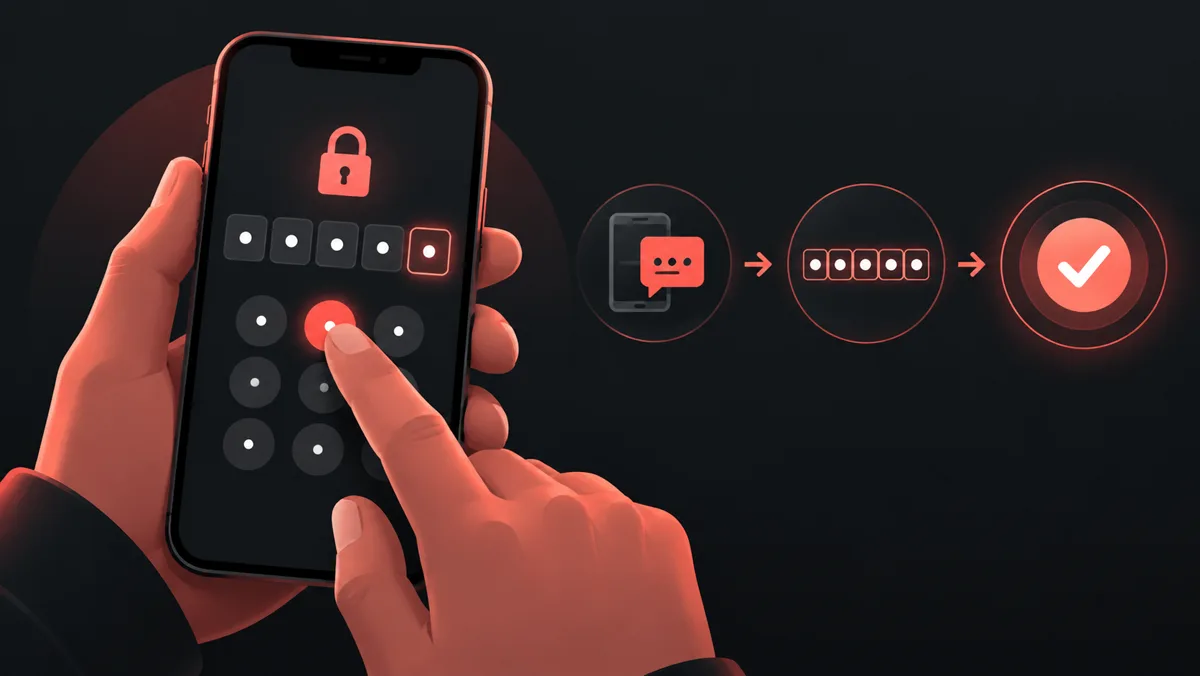
This guide covers the steps to request and enter an SMS verification code, with checks for missing or rejected codes. Follow the receiving service's rules and the law that applies to you. This guide does not give legal advice or promise acceptance.
Before you start
Decide whether you need one code or continued access. If the account may ask for a code at a later login or for recovery, use a number you control long-term. Do not rely on a short-term number for an account you cannot afford to lose.
1. Choose the service and country
Check the receiving service's requirements and terms. On the numbers page, select that service and country and check the current price before ordering. Choosing a number does not guarantee that the receiving service will accept it.
2. Check the number format
Copy the number shown in your dashboard and check each digit. Follow the receiving form's labels: some ask for a full international number, others have a separate country selector. Avoid entering the country code twice. See the E.164 format guide for more context.
3. Request the code and check your dashboard
Request the code on the receiving service, then check the SMSOTPS dashboard for your order. Follow any waiting period shown on the receiving service before requesting another code. When a message arrives, enter the code in the matching verification form exactly as shown. Never send it to someone claiming to be support.
4. If the code does not arrive
Re-check the service, number and country you selected. Read any error or waiting period on the receiving service, and check whether it sent the code to an email address or a signed-in device instead. Repeated requests may not solve the problem. Use that service's help or recovery route if it rejects the number.
5. Check the order rules before taking another step
Cancellation eligibility and no-SMS expiry rules are explained in the FAQ. Do not assume that every order type follows the same rules. For an order question, contact support with the order ID and a short description, not your password or verification code.
After verification: keep a recovery route
Add a recovery email, backup codes or another recovery method if the receiving service offers it. If you later lose access to the number, use that service's own account recovery flow. A temporary number does not provide permanent control of an account.
Verification questions
Will a temporary number work with every service?
No. Check the receiving service's number requirements and terms before ordering. A catalogue entry is not a promise that the service will accept a number.
Should I use a temporary number for account recovery?
Use a number you control long-term for an account that may ask for another code later. Add the recovery methods offered by that service before you lose access to the number.
What if the code never arrives?
Check the service, country, number format and the waiting period on the receiving service. Read the FAQ for cancellation eligibility and no-SMS expiry rules. For an order question, contact support with its order ID.
What should I do if the code is rejected?
Read the error on the receiving service. Check that the code belongs to the same request and enter it exactly as shown. If a waiting period is displayed, wait and follow that service's recovery route rather than repeatedly requesting codes.
Related articles
 What Is an OTP? One-Time Passwords Explained For first-time readers: verification codes and their expiry timers.
 E.164 Phone Number Format Explained For number formatting: country codes and common E.164 input mistakes.
 How to Receive SMS Online Safely For understanding privacy: public shared inboxes compared with private verification numbers.